What is IBO Player?
IBO Player is a versatile IPTV media player application available on virtually every platform and operating system. Its smooth playback, intuitive interface, and broad device compatibility make it the recommended player for Muvote subscribers.
IBO Player supports remote playlist activation, meaning you add your playlist through the app's activation portal using your device's unique MAC address and a key provided by Muvote.
Supported Devices
IBO Player is available on the following platforms:
- Samsung & LG Smart TVs (via the TV app store)
- Amazon Fire Stick / Fire TV
- Android TV / Google TV boxes
- Android phones & tablets
- iPhone & iPad (iOS)
- Apple TV
- Windows & macOS
Step 1: Install IBO Player
Go to your device's app store (App Store, Google Play, Amazon Appstore, Samsung/LG Content Store) and search for "IBO Player" or "IBO Pro Player". Download and install the app.
Step 2: Find Your Device MAC Address
Open IBO Player on your device. On the main screen, you will see your device's MAC address and a unique Key. Note these down or take a screenshot. You will need them to activate your playlist.
Step 3: Activate Your Playlist
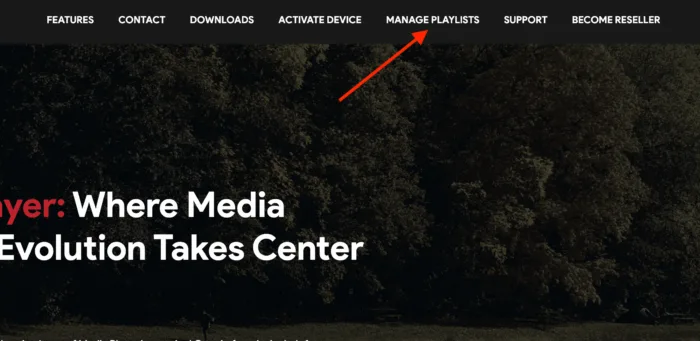
After purchasing your Muvote subscription, you will receive your Xtream Codes (server URL, username, password) via email. Go to the IBO Player activation portal at iboplayer.com and enter:
- Your device MAC address
- Your device Key
- Your Xtream Codes credentials (server URL, username, password)
Click "Add Playlist" and your channels will load automatically in the IBO Player app.
Step 4: Start Watching
Return to the IBO Player app on your device. Your channel list, VOD library, and EPG guide will be loaded. Navigate through categories, search for specific channels, and enjoy your Muvote subscription in crystal-clear quality.
Device-Specific Tips
Samsung & LG Smart TVs
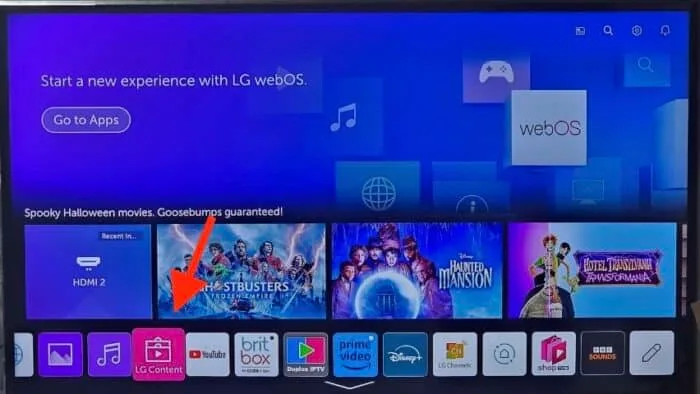
Search for "IBO Player" or "IBO Pro Player" in your TV's built-in app store. Once installed, the setup process is identical to the steps above.
Amazon Fire Stick
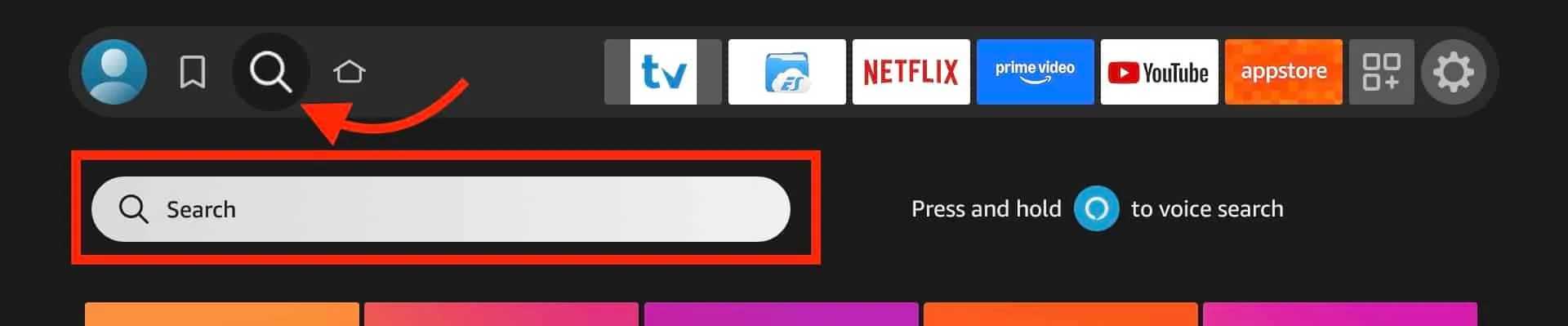
Search for "IBO Player" in the Amazon Appstore or use the search function on your Fire Stick. Install and follow the activation steps above.
Android Devices
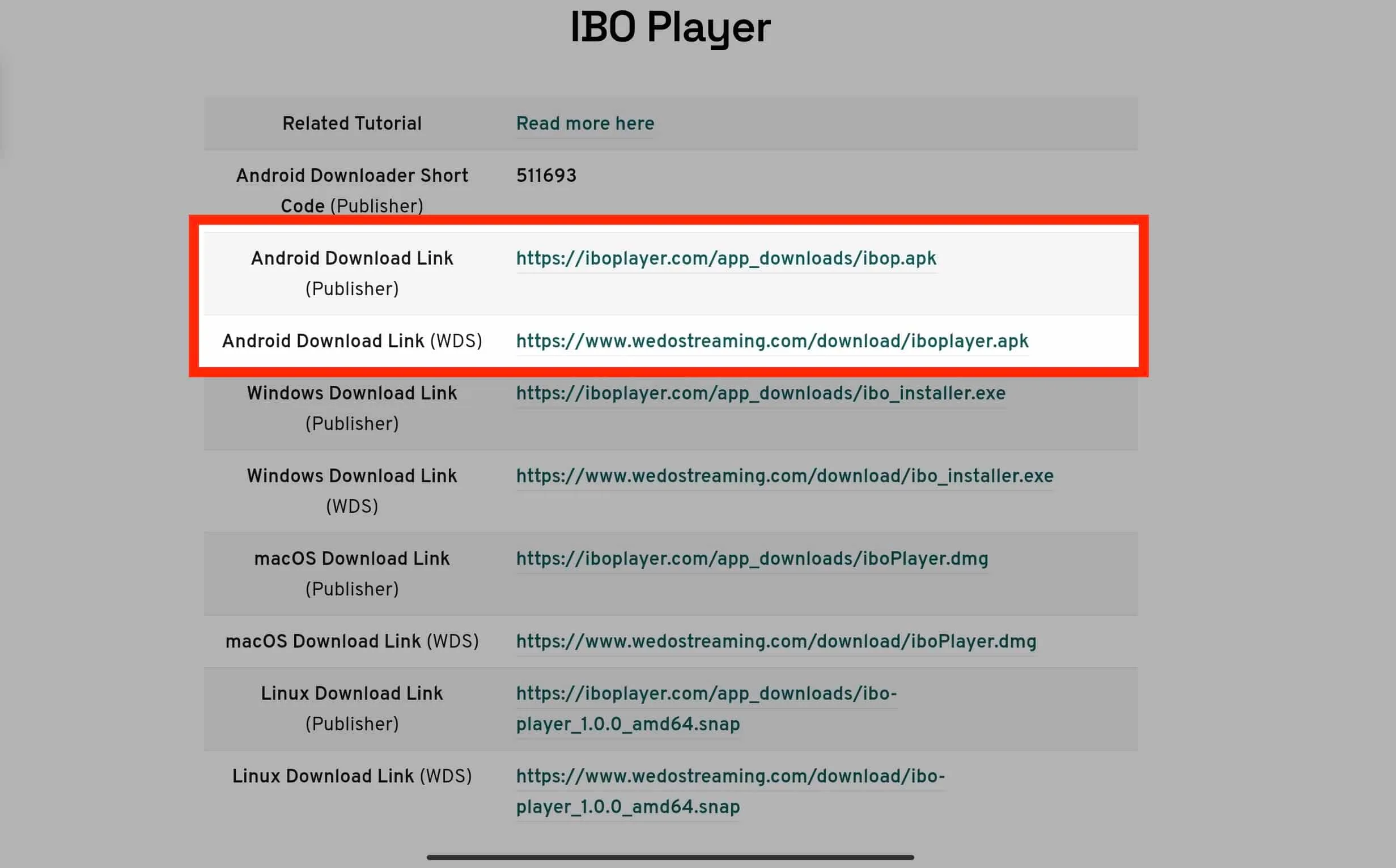
Download IBO Player from the Google Play Store. The app works on phones, tablets, and Android TV boxes.
iPhone, iPad & Apple TV
Download IBO Player from the Apple App Store. Follow the same activation process using the portal at iboplayer.com.
Windows & macOS
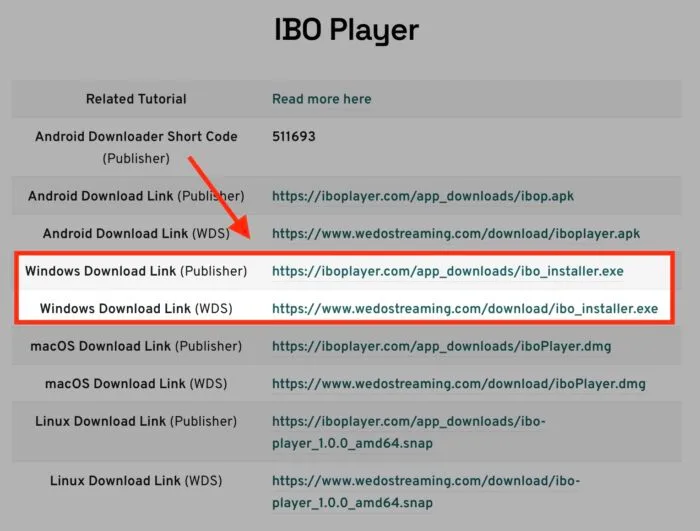
Download the IBO Player desktop application from the official website. Enter your credentials through the activation portal.
Troubleshooting
- Channels not loading: Verify your MAC address and Key are entered correctly in the activation portal.
- Buffering issues: Use a wired ethernet connection instead of Wi-Fi. Ensure your internet speed is at least 30 Mbps for 4K.
- App not found: Try searching for "IBO Pro Player" instead of "IBO Player" on some app stores.
- Need help? Contact our support at [email protected] or via WhatsApp.